Draft Complex Layouts Using Extended prompt Prompts
Outline panels, text columns, labels, subjects, visual hierarchy, and reading sequence all within a single structured prompt.
Qwen Image 3 workspace
Produce detailed, information-dense images from structured prompts, complete with crisp readable text, precise layout structure, multilingual typography, and finely tuned visual details.
Begin by outlining your core subject, then specify the layout, exact text, visual hierarchy, and final finishing touches to refine your output.
Generate 1 images · 16 credits total
Built for data-dense, informative visuals
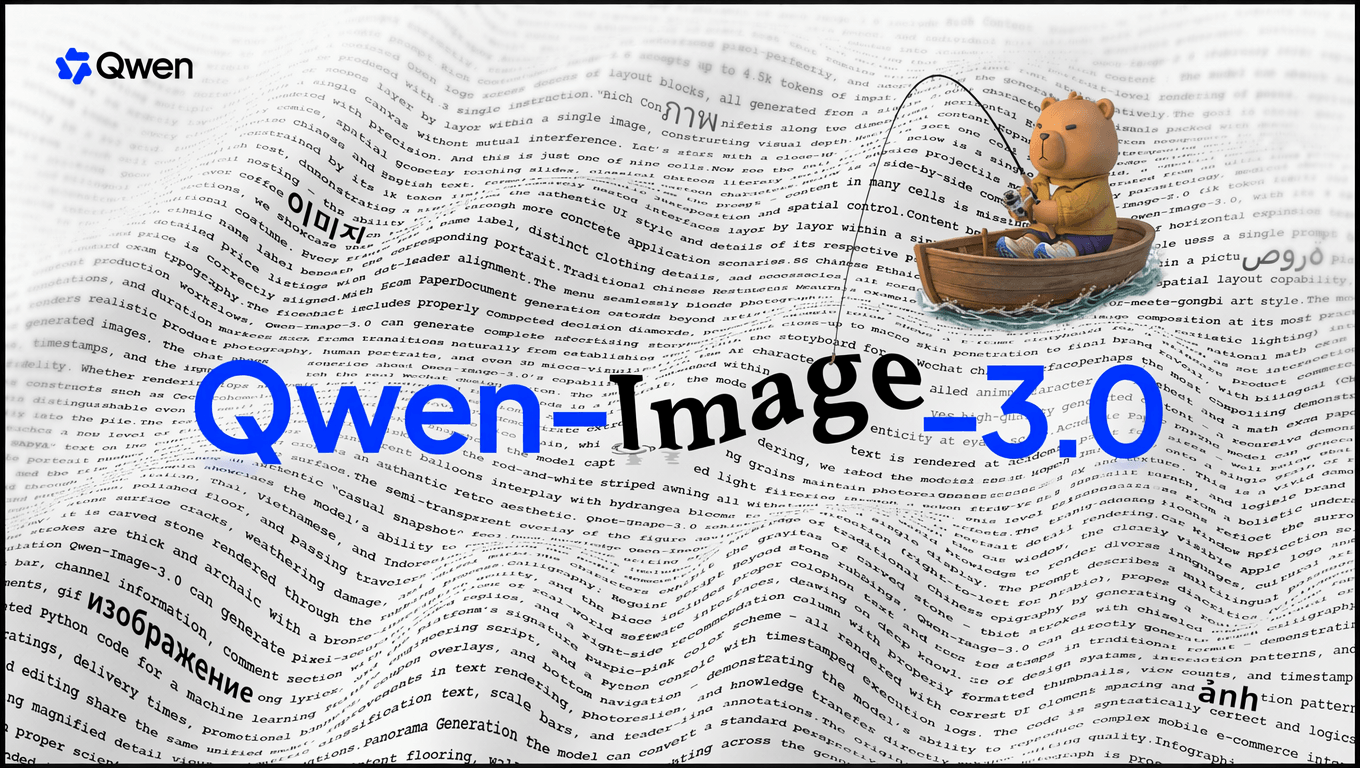
As the third iteration of the Qwen-Image series of AI models, Qwen Image 3 is engineered to follow lengthy, structured prompts while integrating text, subjects, panels, labels, and subtle details into a single cohesive visual.
It shines brightest when an image needs to convey both context and mood, making it ideal for storyboards, UI interfaces, academic figures, posters, and multilingual editorial layouts.

Qwen Image 3 examples
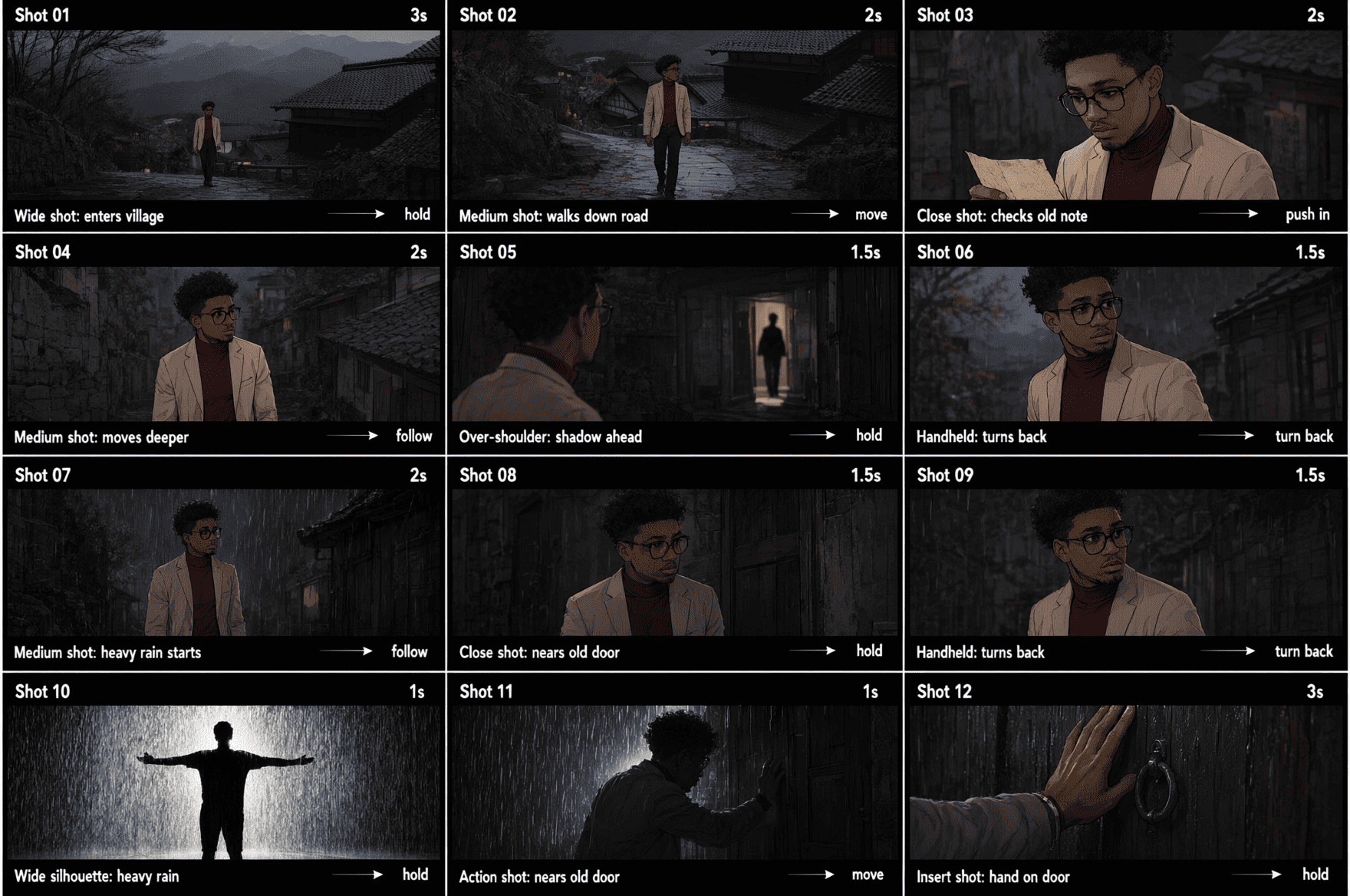
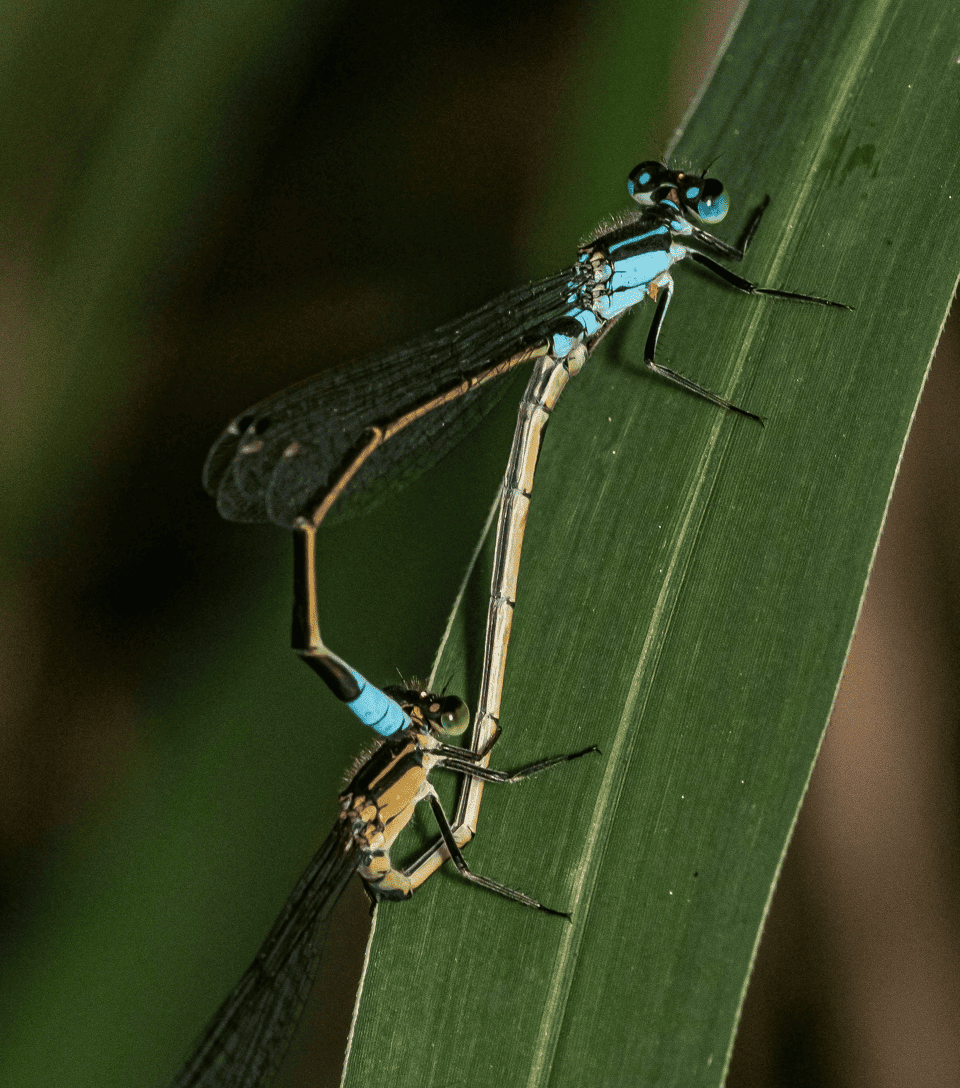
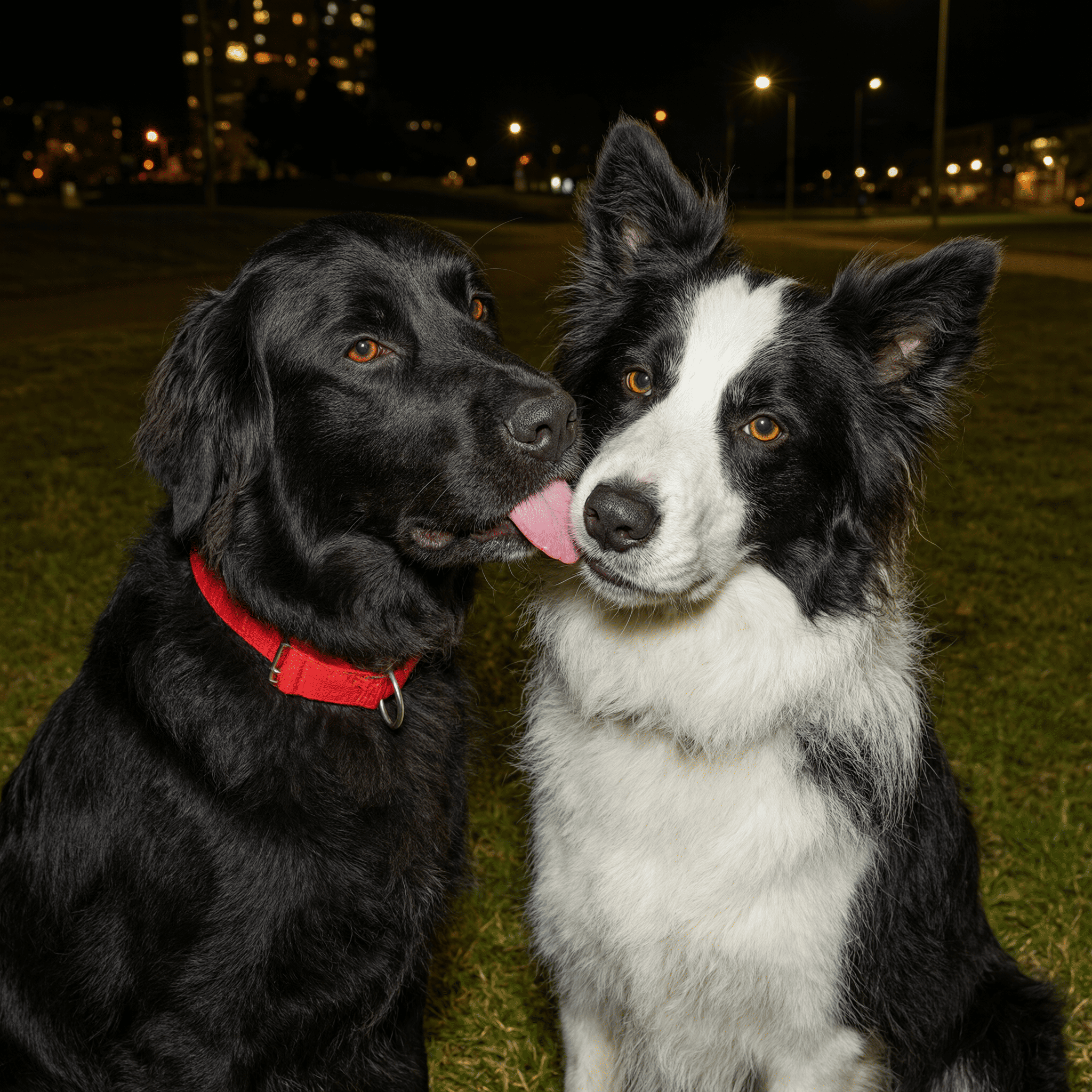
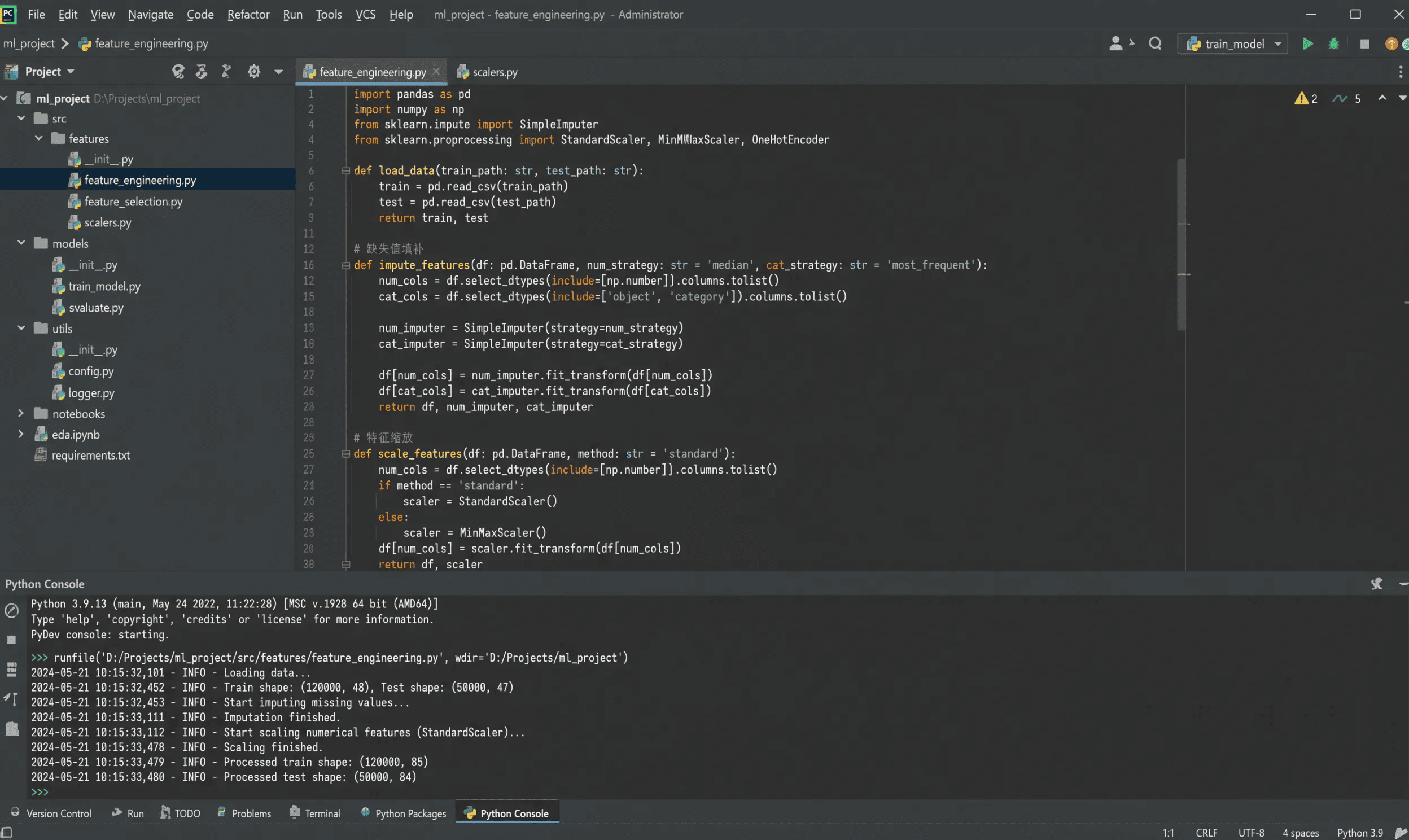
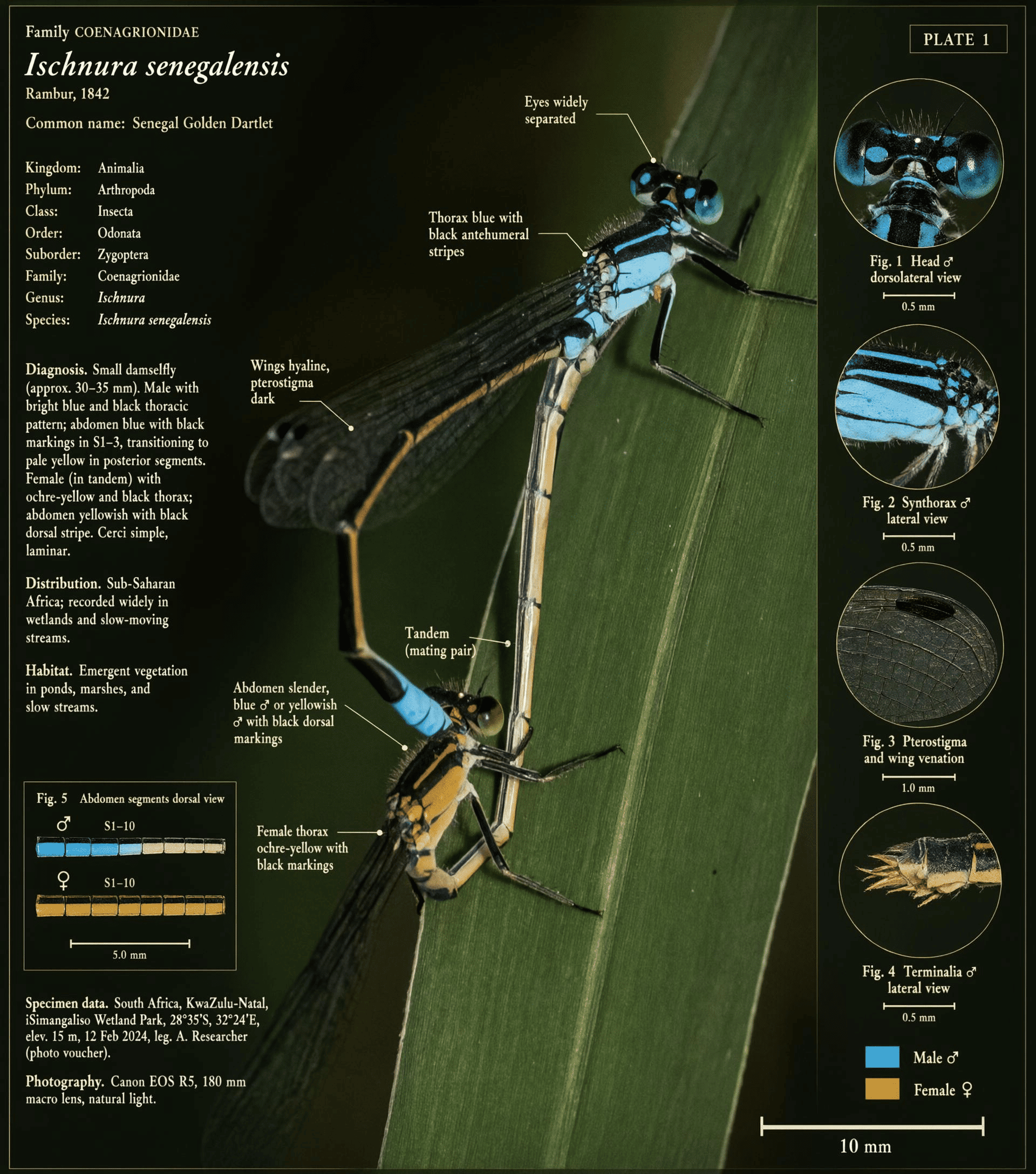
Browse text-heavy layouts, portraits, macro natural shots, UI interfaces, and functional visual assets built for targeted communication needs.
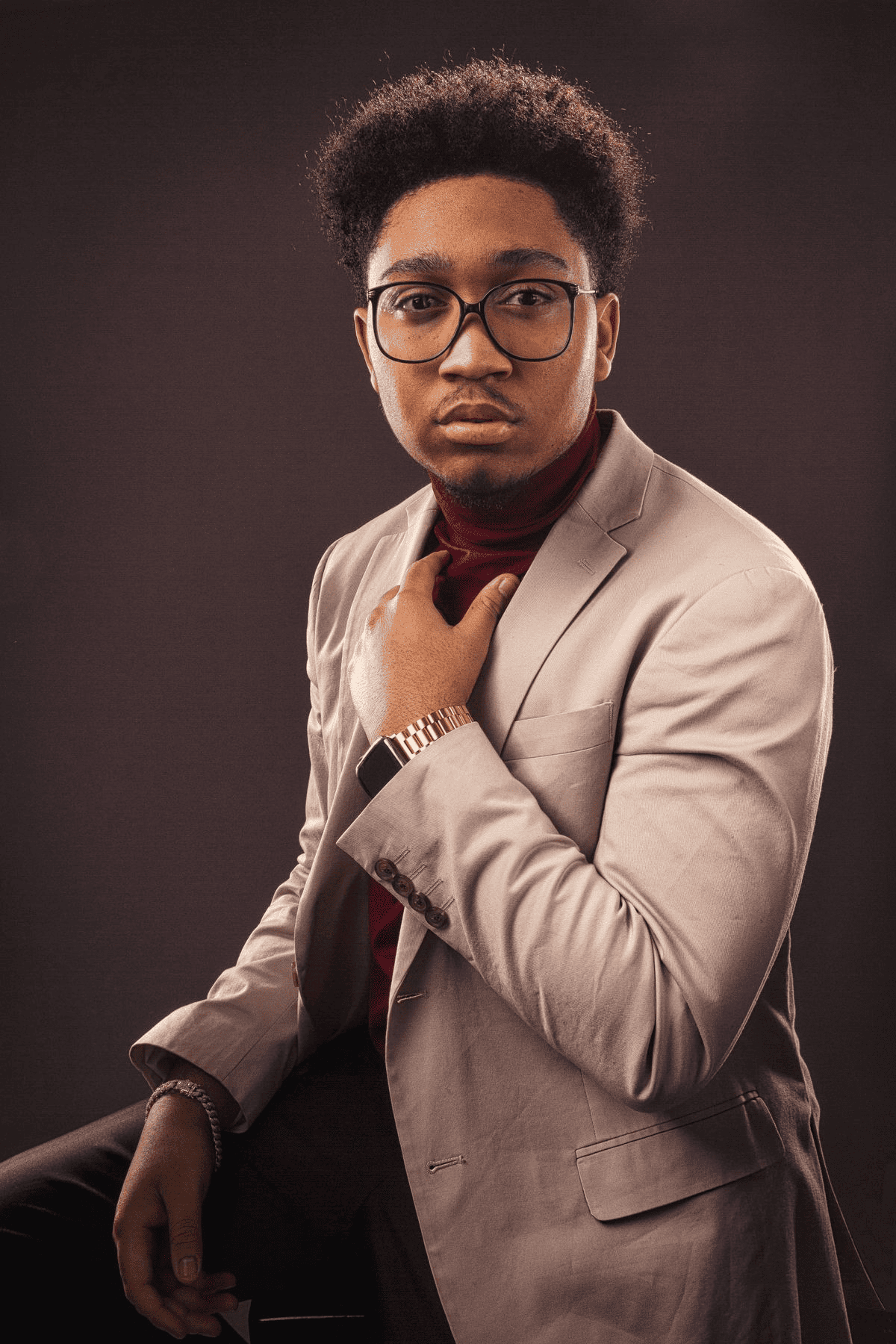
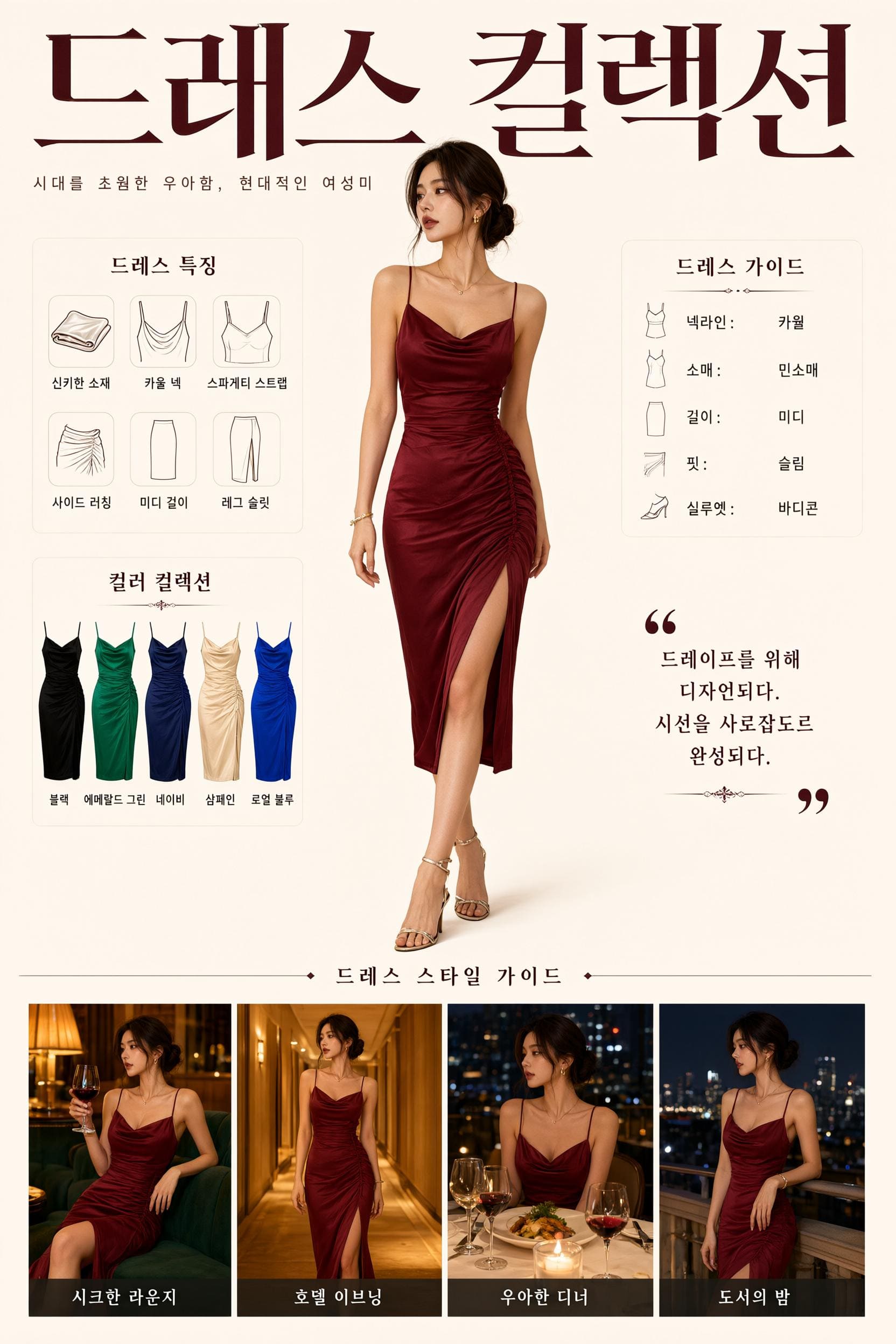
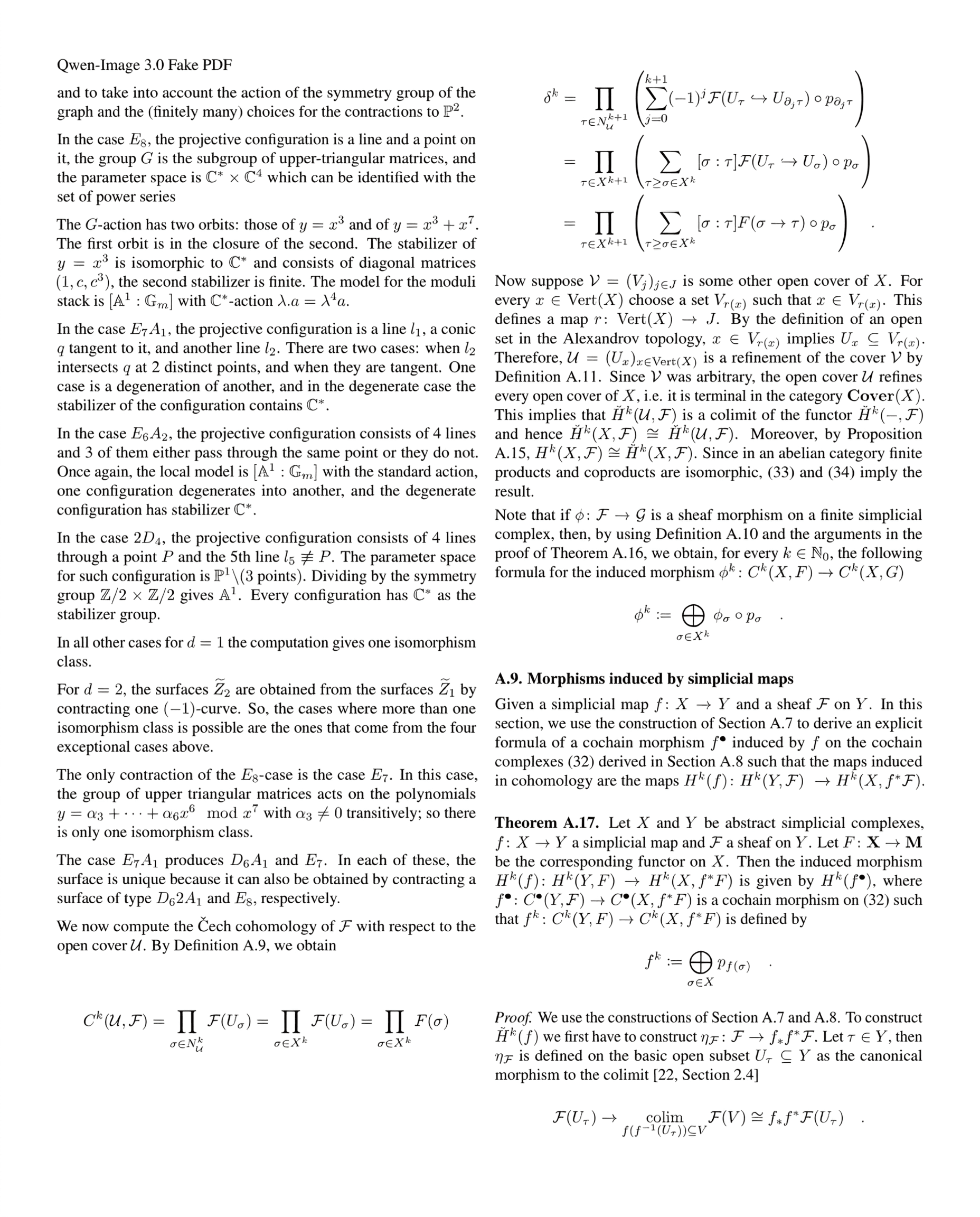
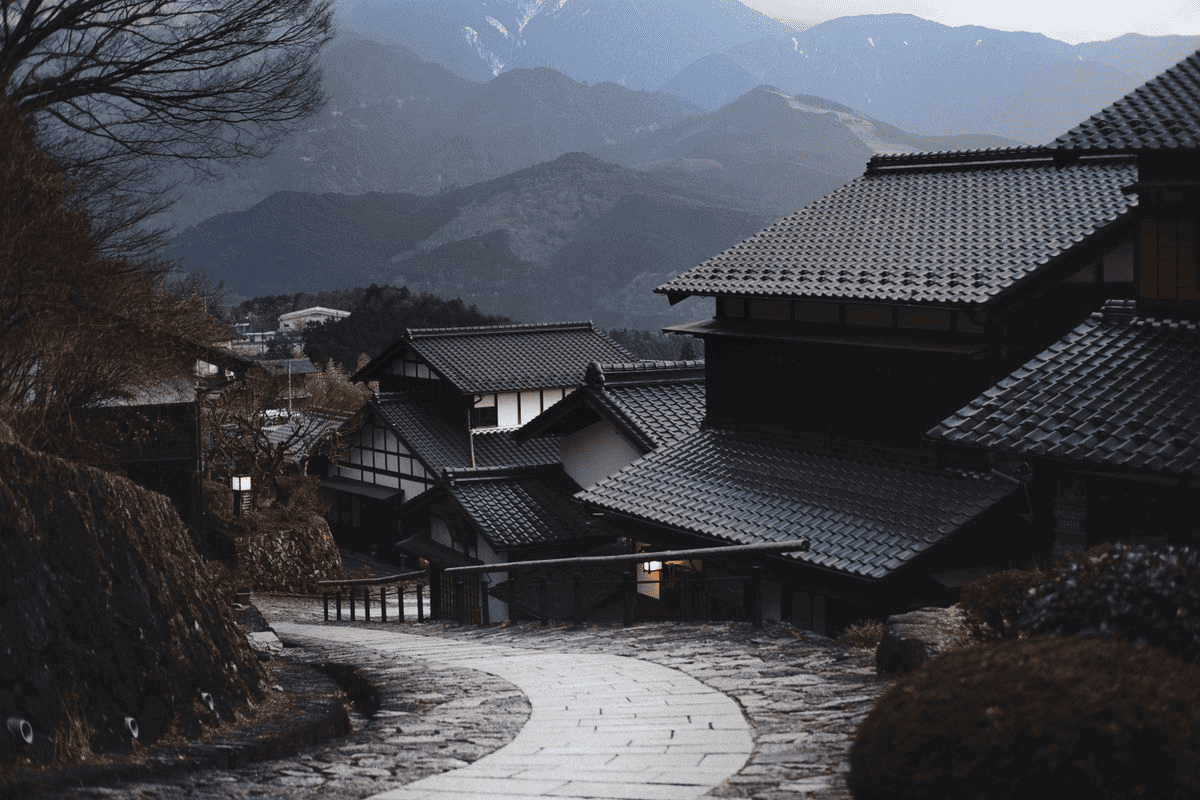
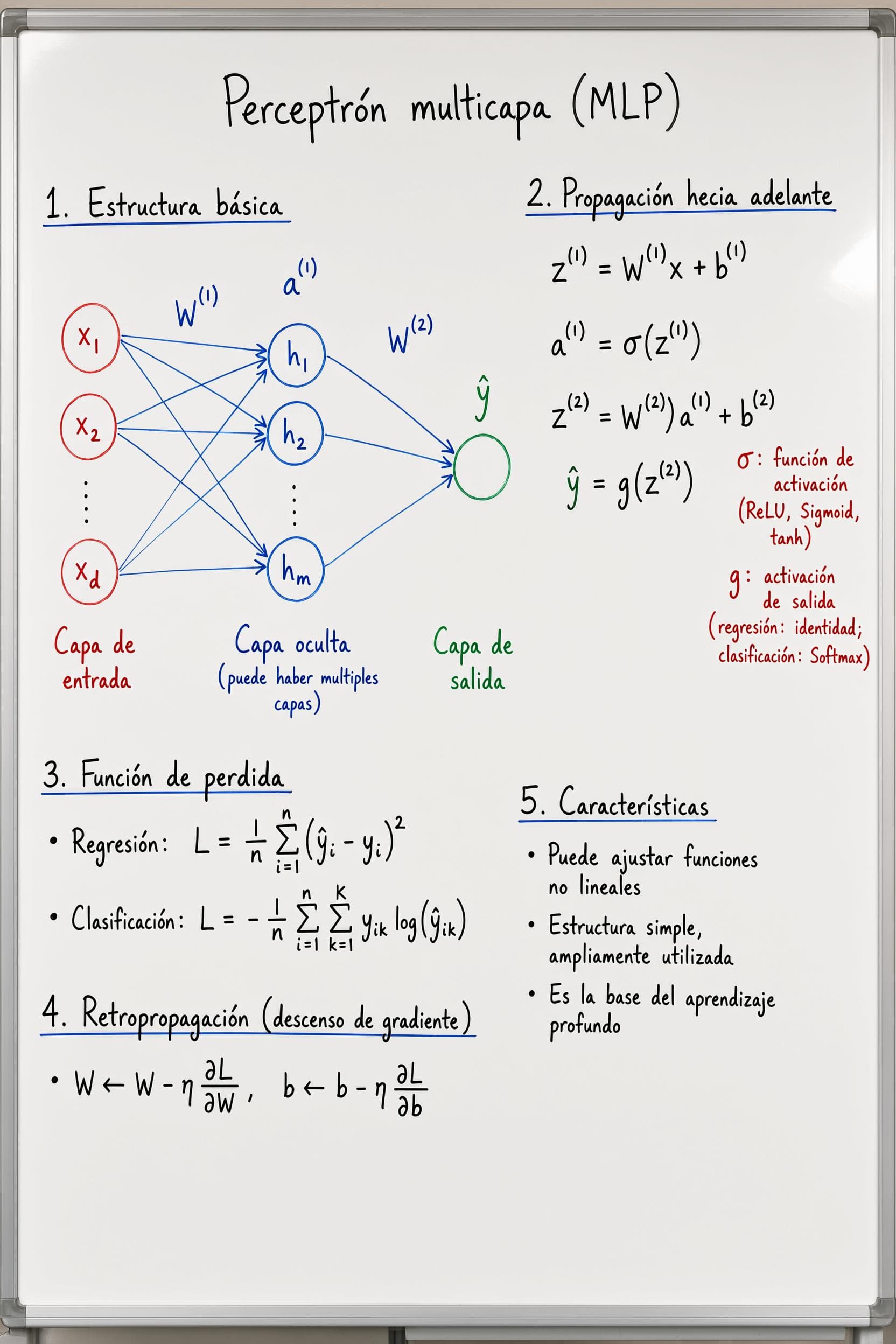
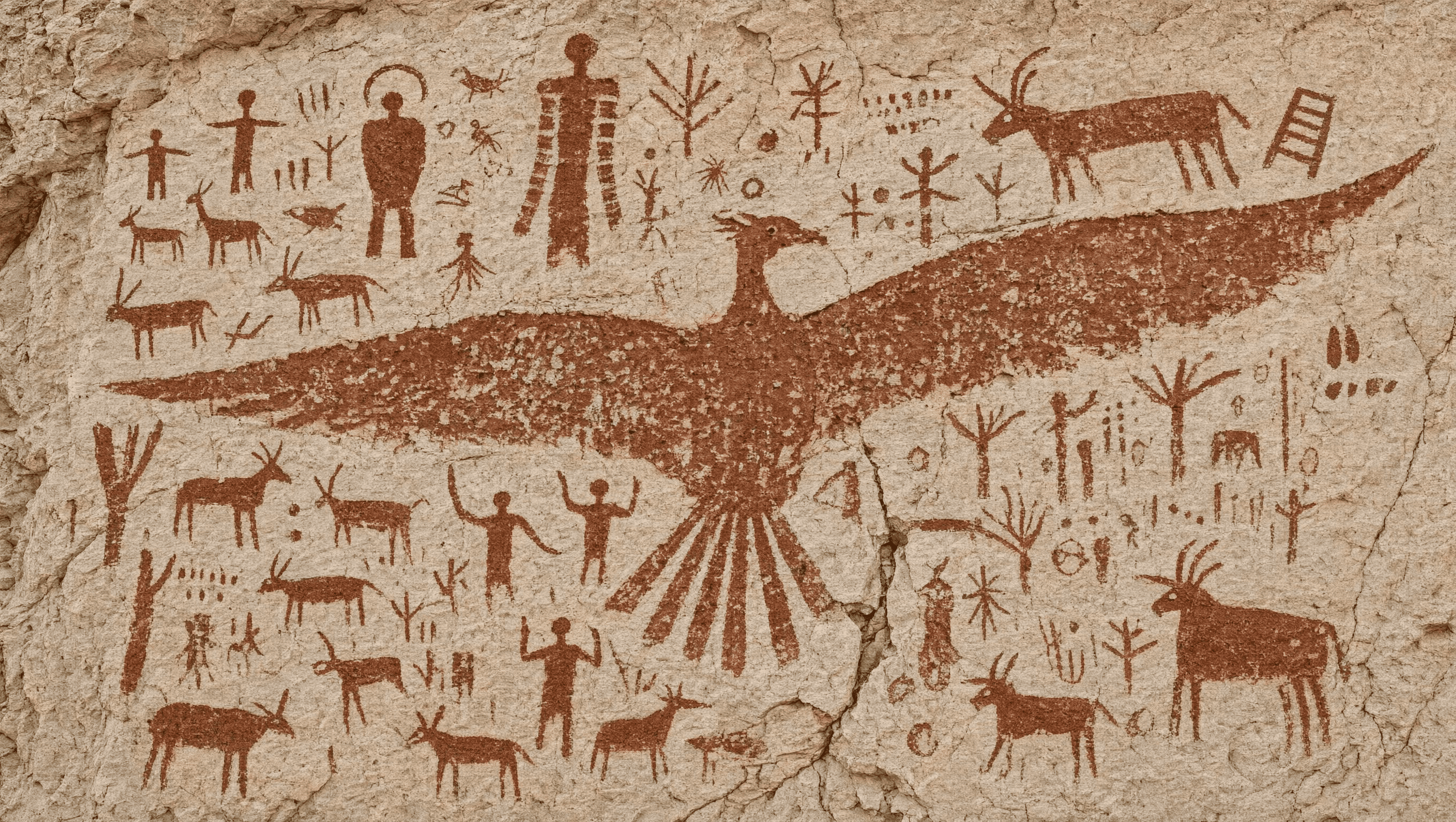
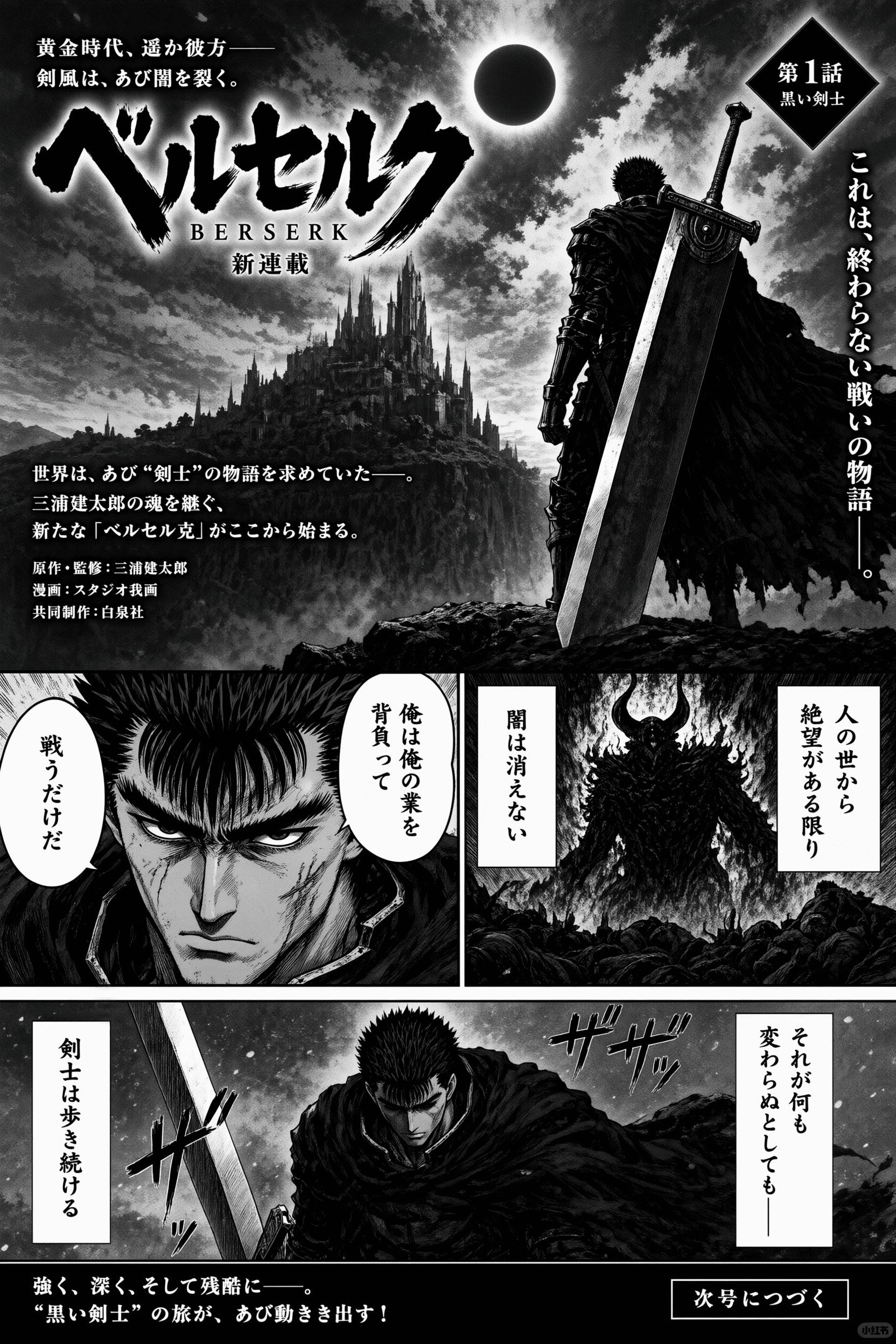
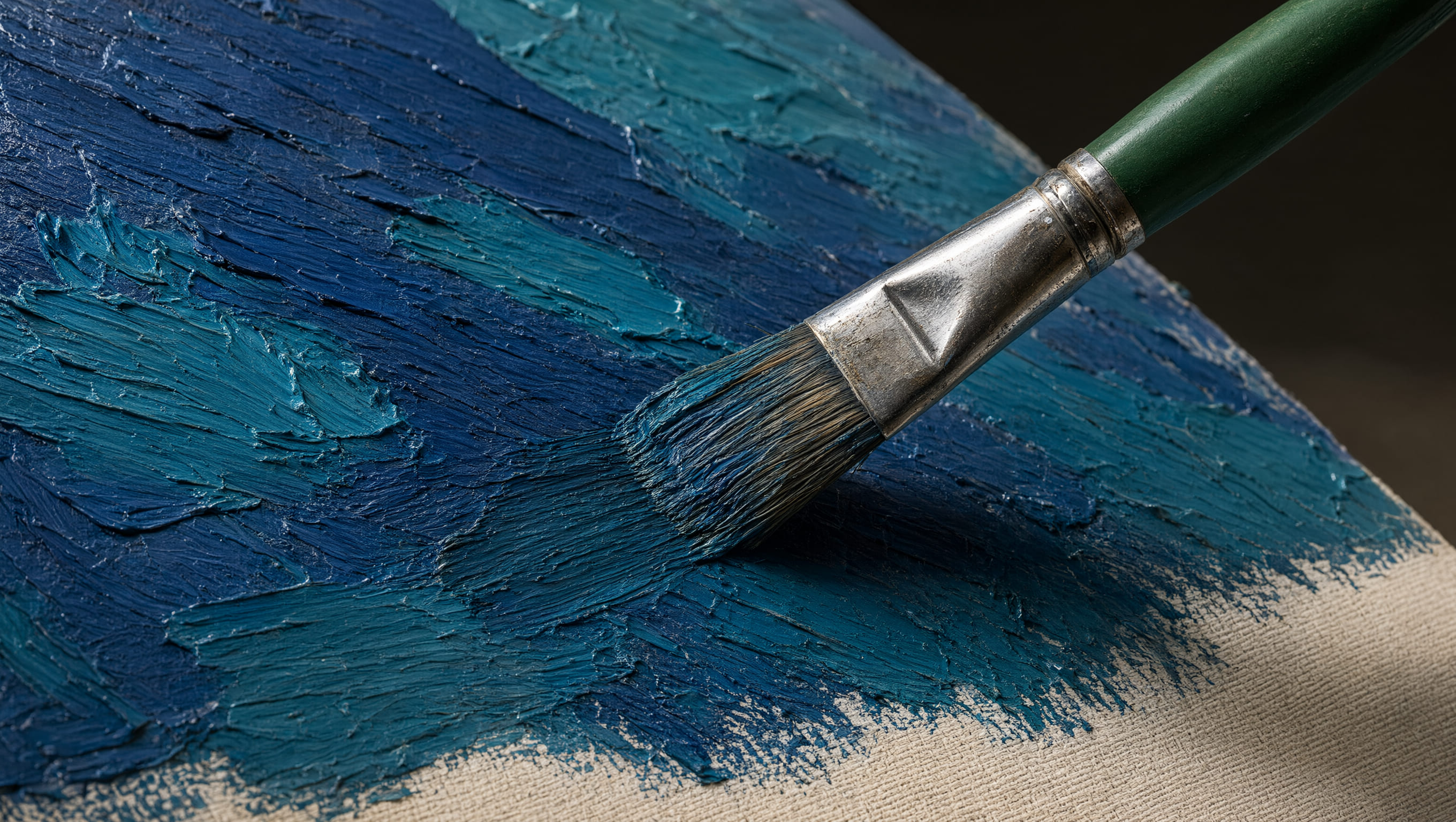
Core capabilities
Craft your prompt around the core information your image needs to convey, rather than just the aesthetic style you want to replicate.
Outline panels, text columns, labels, subjects, visual hierarchy, and reading sequence all within a single structured prompt.
Share exact copy, tiny objects, surface textures, lighting setup, and close-up details that need to stay fully legible in the final output.
Blend multilingual typography with editorial, cinematic, illustrative, academic, or UI design styling for versatile outputs.
Create polished storyboards, infographics, posters, product explainers, educational materials, and content-ready layouts.
Simple workflow
A detailed, clear prompt makes your information-dense outputs far easier to review and iterate on.
Start by labeling your desired output type: storyboard, infographic, UI interface, poster, portrait, or educational figure.
Detail the layout’s panels, text columns, focal points, subject placement, reading sequence, and overall visual hierarchy.
Add all required text, target languages, objects, color palette, lighting setup, artistic style, and material specifics.
Double-check text accuracy, hand/face details, small objects, alignment, and confirm the visual clearly conveys your intended message.
Who it is for
Opt for structured prompt generation when your image needs to explain, organize, or guide viewers, rather than just serve as decorative art.
Draft app screens, dashboards, product explainers, feature diagrams, and campaign layouts with a clear, intentional visual hierarchy.
Build diagrams, field identification plates, academic figures, study notes, and visual explanations for complex, dense subject matter.
Create storyboards, manga pages, posters, social media graphics, and editorial layouts with crisp, readable text.
Merge product shots, variants, labels, callouts, and lifestyle context into a single cohesive commercial visual.
Translate detailed prompts into portraits, environments, historical illustrations, and material studies for client or team review.
Decision guide
Pick your workflow based on how much structured layout, text, and verifiable information your final image needs to include.
| Comparison Metric | Qwen Image 3 | General Workflow |
|---|---|---|
| Prompt Range | Long, structured briefs with multiple constraints | Short prompt prompts focused on a single subject or aesthetic style |
| Text & Layout Handling | Exact copy, panels, labels, and reading sequence are first-class instructions | Text and layout often need separate post-editing |
| Supported Output Types | Interfaces, academic pages, storyboards, posters, portraits, and illustrations | Best for straightforward scenes and quick aesthetic exploration |
| Primary Review Criteria | Composition, text accuracy, detail, and information hierarchy | Overall subject, style, lighting, and mood |
Complex visual work
Use this tool when a single image needs to align multiple detailed instructions while maintaining full visual coherence.
Combine your core subject, layout, text, supporting elements, and visual hierarchy into a single production-ready prompt.
Craft labels, titles, captions, and multilingual typography in tandem with the rest of your visual composition.
Work towards final deliverables including storyboards, product explainers, posters, UI interfaces, and educational visuals.
Qwen Image 3 FAQ
Qwen Image 3 is the third iteration of the Qwen-Image series of AI models, built specifically for structured prompt prompts, text-forward compositions, multilingual typography, and highly detailed visual production.
You can access this platform’s workspace to draft a prompt at no initial cost. Generation access and credit requirements vary based on your current account and subscription plan.
Begin by naming your desired output type and core subject, then outline the layout, reading sequence, exact text, artistic style, lighting setup, color palette, and any critical details that need to stay sharp and legible.
Qwen Image 3 supports multilingual image creation. Specify your target language and exact text copy in your prompt, then double-check spelling and typography before finalizing your output.
Rendering clear, readable text is a core strength of Qwen Image 3. That said, always review generated results, particularly for long text passages, small labels, proper names, numerical data, and specialized jargon.
Top use cases for Qwen Image 3 include storyboards, infographics, UI interfaces, academic figures, posters, product explainers, multilingual editorial layouts, and finely detailed portraits.
Absolutely. Upload a reference image when you need to maintain consistency for subject identity, product appearance, layout, color palette, or other visual constraints, then specify which elements should stay the same or be adjusted.
Transform a structured prompt into a polished visual workflow for text-heavy layouts, UI interfaces, storyboards, and a wide range of other projects.
Generate With Qwen Image 3